
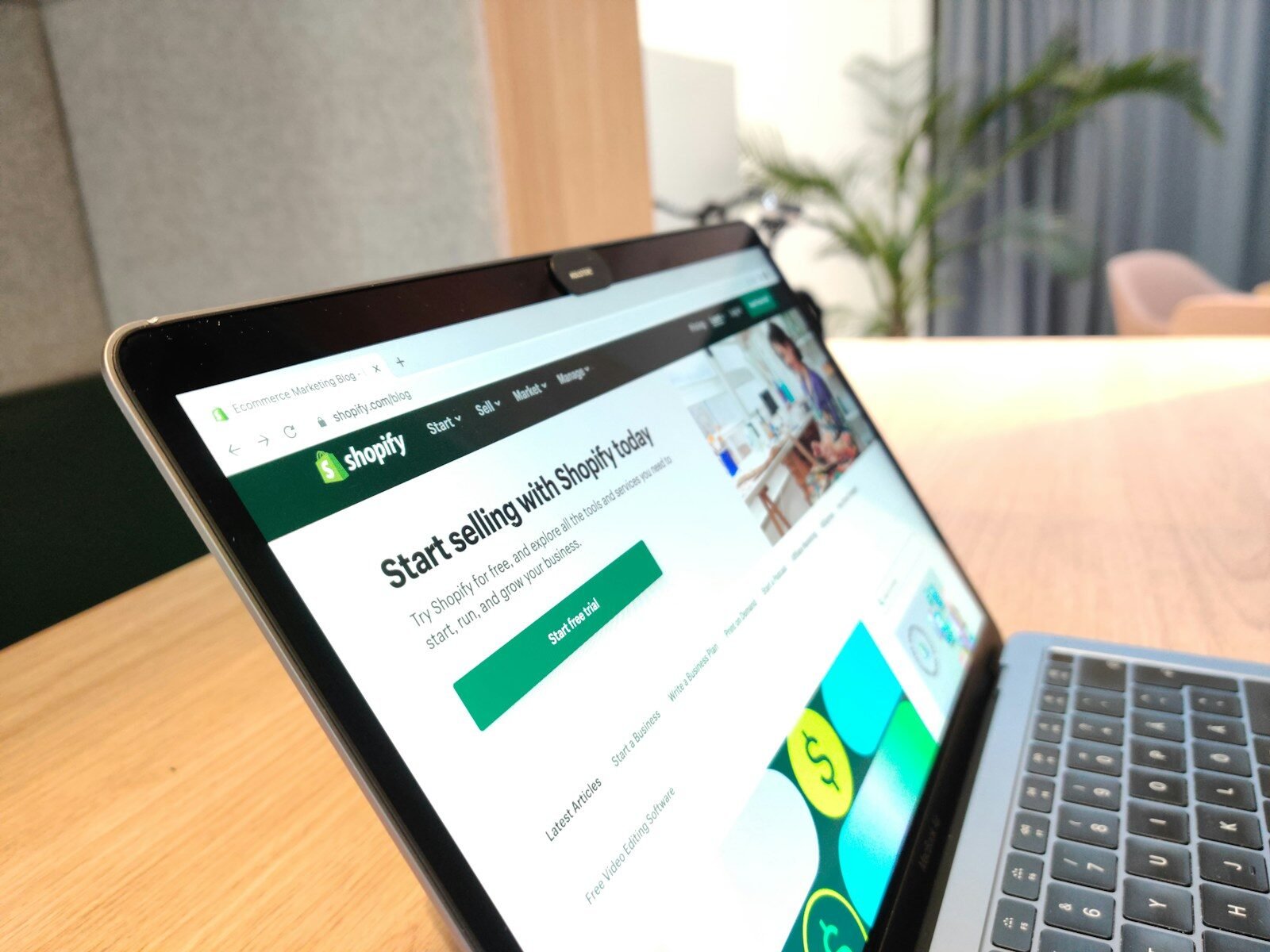
In 2026, running a successful Shopify store is about more than just having great products. Because the e-commerce landscape is more crowded than ever, search engine optimization (SEO) is your most powerful tool for attracting shoppers without overspending on paid ads.
Modern SEO has evolved.
Today, search engines like Google use advanced artificial intelligence (AI) to understand user intent, analyze page experience, and direct shoppers to the best answer. This simple 2026 Shopify SEO checklist will help you optimize your store, improve user experience, and drive reliable sales.
Phase 1: Build Your Technical Foundation
1. Register with Search Tools
Your first step is to connect your store with search engines so they know your website exists:
- Set up Google Search Console (GSC): This free tool shows you how Google views your site, which keywords bring you traffic, and if there are any errors.
- Submit Your XML Sitemap: Shopify automatically generates a sitemap. Submit this link inside Google Search Console so Google can crawl and index all your pages quickly.
2. Use a Custom Domain
Ditch the default domain. A clean, custom domain (like yourstore.com) builds immediate trust with shoppers and search engines. Keep your domain name short, memorable, and easy to spell. In your Shopify settings, set your preferred domain (with or without the “www”) and redirect all other versions to it. This prevents search engines from seeing duplicate versions of your store.
3. Boost Your Site Speed
Shoppers will not wait for a slow website, and Google penalizes slow stores. Optimize images, as large images are the primary cause of slow Shopify stores. Compress your images and save them in fast-loading formats.
Phase 2: Master On-Page Optimization
On-page SEO is the process of optimizing individual pages on your site to rank higher and earn more relevant traffic.
1. Write Unique Product Descriptions
Never copy and paste product descriptions from your suppliers or manufacturers. Google penalizes duplicate content. Write at least 200 to 300 words of helpful, original text for every product.
2. Optimize Meta Titles and Descriptions
These are the snippets of text that appear in search engine results. Think of them as your store’s digital billboard.
- Meta Title: Keep it under 60 characters. Include your main product keyword and your brand name.
- Meta Description: Keep it between 140 and 160 characters. Write a compelling summary that encourages searchers to click, and include a clear call-to-action (like Shop now or Enjoy free shipping).
This approach also strengthens your product page SEO by consolidating authority and helping product pages rank better in search results.
3. Add Image Alt Text
Search engines cannot see images, so they read Alternative (Alt) Text to understand what is on the screen. Alt text also helps visually impaired shoppers who use screen readers.
Phase 3: Create a Smart Content Strategy
To build authority in your niche, you need to create helpful content around your products.
1. Build Keyword Clusters
Instead of just writing random blog posts, focus on topic clusters. If you sell organic skincare, do not just write one post about dry skin. Write a series of related articles. For e.g, how to identify dry skin and the best morning routine for dry skin. Linking these articles together shows Google that you are an expert on the topic, which boosts the search rankings of your entire store.
2. Write for Conversational Search and AI
With more people using voice search and AI search assistants, search queries are becoming longer and more conversational. So, start your blog sections with simple, clear answers.
Grow Faster with Mavit Digital
Mavit Digital handles everything from complete Shopify SEO audits to high-converting product descriptions, helping your business rank higher and sell more. By combining proven strategies with practical e-commerce tips, we help create a stronger online store that attracts more customers and drives consistent sales.
Phase 4: Build Store Trust and Authority
Google rewards websites that show high levels of E-E-A-T (Experience, Expertise, Authoritativeness, and Trustworthiness).
1. Use Product Schema Markup
Schema markup is a behind-the-scenes code that tells search engines exactly what your page is about. It allows Google to show rich results directly in search listings, such as star ratings, prices, and stock availability. Most modern Shopify SEO themes include basic schema, but you can use trusted apps to ensure it is set up correctly.
2. Collect Real Customer Reviews
Product reviews are great for social proof, and they also provide fresh, keyword-rich content for search engines to crawl. Install a reputable review app that automatically syncs with Google to display your star ratings in search results. This not only builds customer trust but also strengthens your product page SEO by adding unique content that helps improve search visibility and click-through rates.
3. Earn Quality Backlinks
A backlink is when another website links to your store. This acts like a vote of confidence in the eyes of search engines.
- Partner with relevant bloggers and influencers in your industry.
- Reach out to your product suppliers and ask them to link to your store as an authorized retailer.
If you are looking to build a highly effective backlink and content strategy, the team at Mavit Digital has the tools and expertise to establish your store’s authority and drive targeted, organic buyers to your brand.
Frequently Asked Questions (FAQs)
1. How long does it take to see results from Shopify SEO?
SEO is a long-term strategy. While technical fixes (like correcting broken links or updating sitemaps) can show indexing improvements within a couple of weeks, it takes 3 to 6 months of consistent optimization to see an increase in keyword rankings, organic traffic, and sales.
2. Do I need to install multiple SEO apps on my Shopify store?
No. Installing too many SEO apps can conflict with one another and slow down your site’s load speed. It is best to choose one SEO app (like Yoast SEO or Booster SEO) to help with basic meta tag edits and image optimization, and handle the rest of your content and link-building manually.
3. What is a canonical tag, and why does my Shopify store need them?
Shopify often creates multiple URLs for a single product. This can confuse search engines, which might view it as duplicate content. A canonical tag is a small piece of code that tells Google, “Even if you see multiple URLs for this product, this is the main, official page you should index and rank.”
4. How does product image alt text help my store’s SEO?
Alt text helps your store in two ways: it makes your website accessible to visually impaired shoppers who use screen readers, and it helps search engine bots identify what your product is. Writing clear alt text makes your products eligible to rank in Google Images, which is a major traffic source for online shoppers.
5. Can I handle my Shopify store’s SEO on my own?
Yes, you can certainly handle the basics, like writing product descriptions, organizing your collections, and keeping your site simple. However, as your inventory grows, managing technical SEO issues and building high-quality backlinks can become incredibly complex.

